

How to design a customised newsletter template

E-mail is a highly effective channel for reaching customers – in some cases even more so than certain social media marketing measures. The standard-bearer in e-mail marketing is the newsletter, but getting recipients to read a company newsletter can be difficult, with most deciding upon this in a matter of seconds. Consequently, a professional newsletter template is essential for communicating a reputable first impression to the would-be reader. Read on to find out a few different options for creating a perfect newsletter template, tailored to your needs.
- Fast drag and drop editing
- AI-powered text generation
- Seamless syncing with IONOS eCommerce
How to create a newsletter template
Creating a professional newsletter isn’t easy. A failure to maintain standards by various e-mail clients has led to display problems in HTML and CSS, as well as problems with functionality on different devices. Responsive web design is the solution here: a newsletter created in this manner will react to the properties of the display device, providing an optimised viewing experience, regardless of the platform. Given the importance of this, many e-mail marketing companies now offer free responsive newsletter templates to customers.
Of course, standard templates don’t always mirror the visions of marketing managers. Corporate identity and the importance of brand recognition can demand a custom template. There are several simple steps to follow in order to create a personalised newsletter template for your company. The first thing to decide is whether to use a basic template, attempt to code manually, or employ the help of a template tool with built-in frameworks.
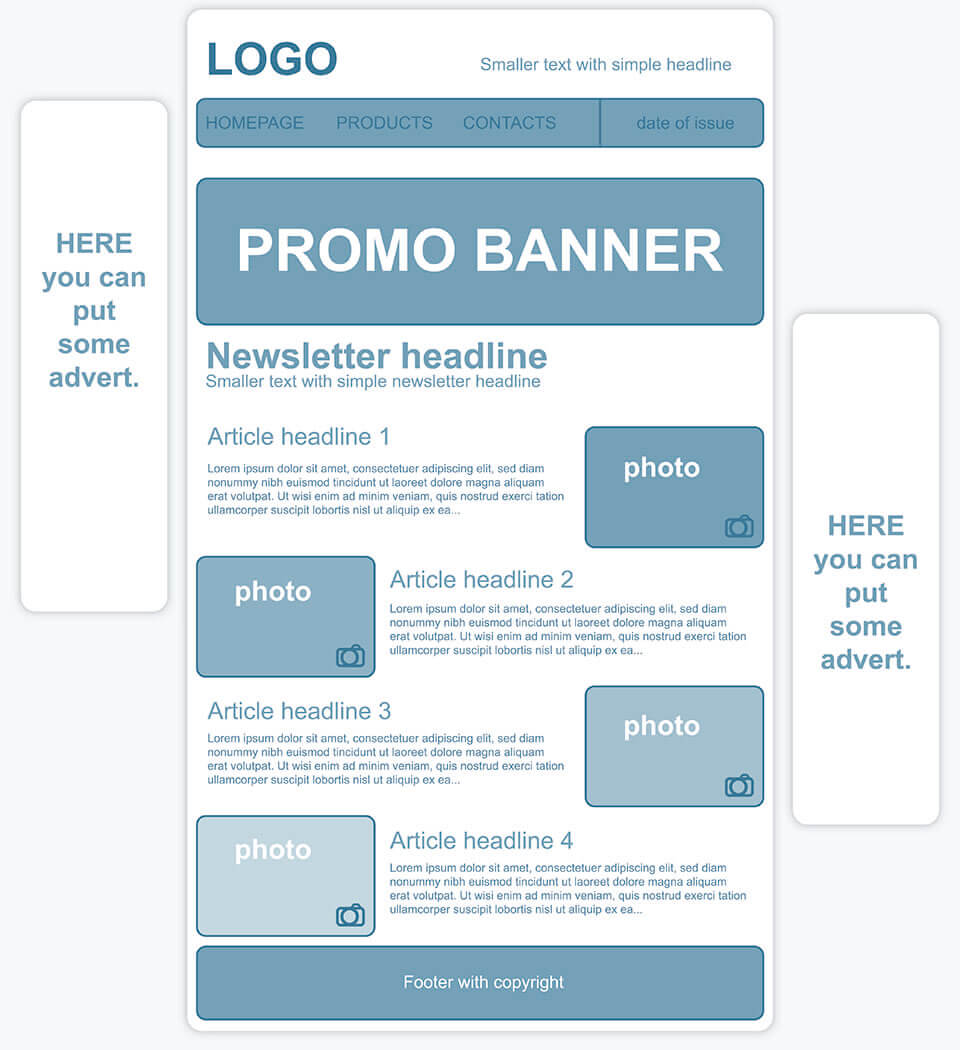
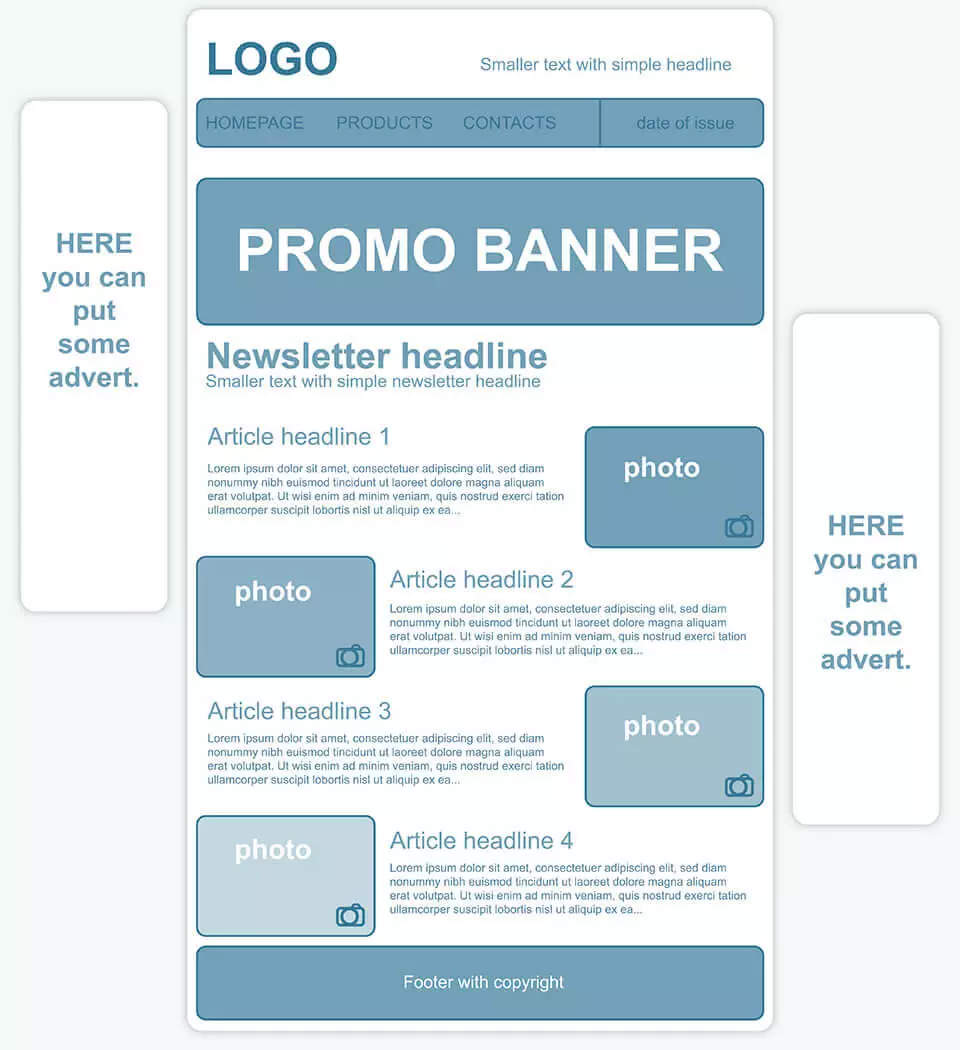
Basic templates
Basic templates can be downloaded from various websites, often for a one-off fee or even free of charge. These are the most practical of newsletter templates, offering clear and basic directions for building and designing your newsletter. Basic templates are a great way to create a newsletter quickly and simply, and can also provide a good source of inspiration for different styles of newsletter. Some basic template providers include:
These basic templates can be personalised of course, but the fundamental structure of the newsletter is already set.
Cracking the code
If you decide against enlisting the help of a newsletter template, then work begins from the ground up, starting with the creation of your own structure. There are some suggestions and guidelines for designing a fluid, responsive layout, such as this tutorial for a simple e-mail template. The step-by-step guide given doesn’t just explain how to create a functioning and flexible layout, but also how to implement useful features such as headers, footers, multiple columns, and an appealing layout. When creating a newsletter template from scratch, testing is crucial. To determine whether the code is valid and how well the template functions on various devices and differing e-mail clients, the following online tools are available:
Template tools
Another option for creating a newsletter is the use of an online template builder to create your own template from scratch. There are several professional newsletter software developers who cater for this need, including:
These online programs enable users to build a responsive newsletter template themselves. Using sample layouts, it’s easy to ensure that the finished newsletter is compatible with different e-mail clients and optimised for a range of devices. These tools are designed to be simple and intuitive, to ensure that beginners can get to grips with e-mail newsletter design quickly and create attractive, well-formatted results. Campaign Monitor, for example, features a simple ‘drag-and-drop’ function for placing images, assigning a call to action, altering headings and much more.
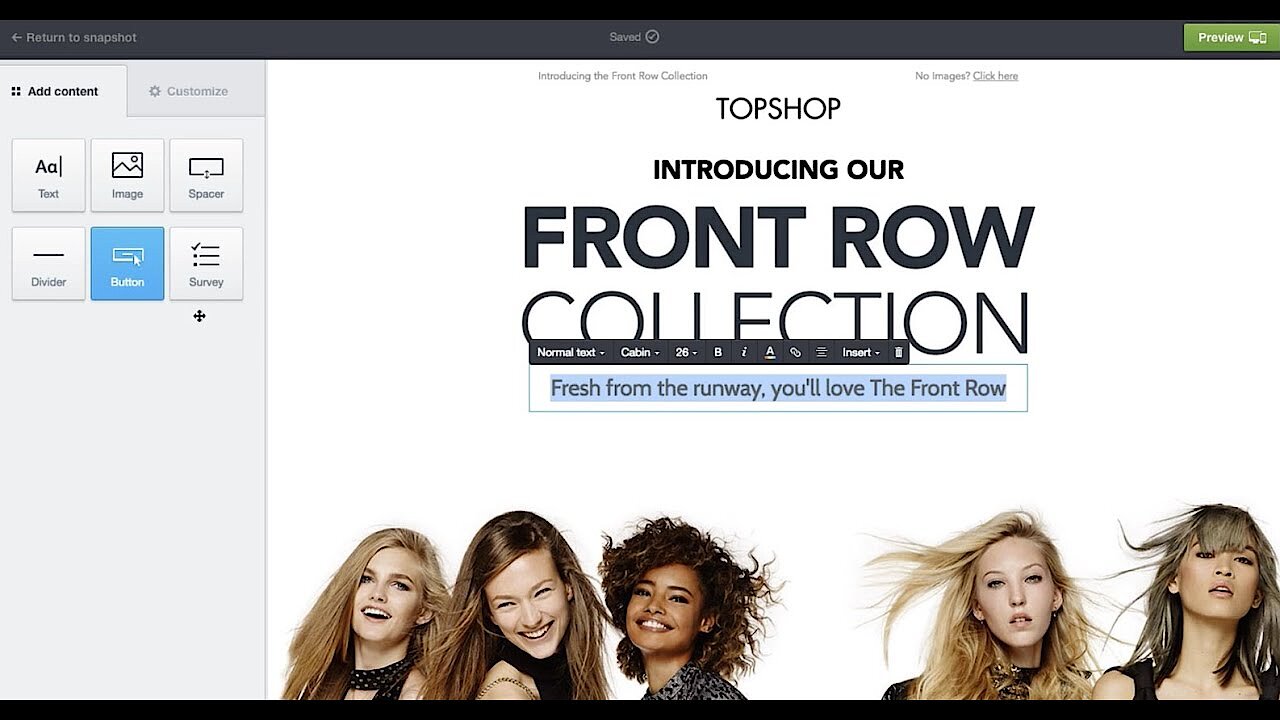 To display this video, third-party cookies are required. You can access and change your cookie settings here.
 Explore the available options
Creating an eye-catching, personalised e-mail newsletter template is certainly no mean feat. Not many people are comfortable tackling such a complex coding task – and with good reason. However, thanks to practical tools and a wide range of attractive sample templates, creating an e-mail newsletter can be made simpler. There is always the option of hiring the help of a professional web designer who can conceptualise your company newsletter template to exact specifications, but for those wishing to save costs, take on the challenge themselves, or even just gain inspiration for design ideas, exploring the many e-mail newsletter templates available online is a worthwhile endeavor indeed.