OpenClaw Hosting
Host your agents on fast and affordable VPS+
- Run your agents on a secure platform
- Install OpenClaw directly when ordering
- Set up and configure OpenClaw in a few clicks

Keep your projects moving, even when you're not working
Running on your IONOS VPS+, OpenClaw completes tasks autonomously.The reliable backbone your AI agent needs
All prices exclude VAT charged at 20%. VAT may be subject to change depending on your country of residence. Terms and conditions apply.
How OpenClaw gets work done automatically
Get leading performance without the extra cost
Save 90% and get the fastest response times on the market
Unlimited traffic, 1 Gbit/s bandwidth, and 99.99% uptime are free with all packages
Risk-free with our 30-day money-back guarantee
IONOS OpenClaw hosting is built to work hard, so you don't have to
Ready to go – with 1-click OpenClaw installation
Maximum reliability and connectivity
Isolated sandbox for secure control
Room to grow, without starting over
Rely on the market leader IONOS


your number 1 in Germany and Europe
 Europe's first and largest hostTrusted for 30+ years by around 7 million customers.
 The first providerSuccessful for 30 years.
 Award-winning supportRecognised for engagement and customer insight.
 Leading the way in hostingThe only provider listed on the Frankfurt Stock Exchange.
 State-of-the-art data centresGet ultra-reliable Tier IV uptime, powered by 100% green energy.
 100% GDPR-compliantWe guarantee top data protection in line with EU regulations.
 24/7 expert supportOnly at IONOS: premium support round the clock, plus a personal consultant.
 Fair & transparentEnjoy 1 month free trials and no hidden fees.
IONOS OpenClaw Hosting - FAQ
No, you don’t need any technical knowledge to install OpenClaw. Simply select it during the VPS ordering process and it will be set up automatically.
For further configuration and management of your AI agent, a basic understanding of Linux (SSH) is helpful. As you have full root access to the Linux system, you should be comfortable with the command line (SSH) as well as configuring Docker or Node.js. VPS+ gives you the maximum flexibility of a professional self-hosting system, but requires you to take responsibility for securing and maintaining the server yourself.
An IONOS VPS+ offers three decisive advantages: 24/7 availability, security, and a fixed IP address. While your private PC would have to be constantly running to operate OpenClaw, the VPS+ continues to work autonomously in the data centre. In addition, the VPS+ isolates the in-depth AI processes from your private network in a secure sandbox. The fixed IP address also guarantees that webhooks (e.g. for WhatsApp or Slack) remain reliably accessible at all times.
In addition to the monthly fees for your IONOS VPS+ package, costs may be incurred for the AI models used (such as GPT-4 or Claude). As OpenClaw acts as an interface, you usually need your own API keys from the respective providers, which are billed according to usage. Alternatively, you can connect OpenClaw to services such as Nexos AI to control access to different models via a centralised credit system without having to take out separate subscriptions for each provider.
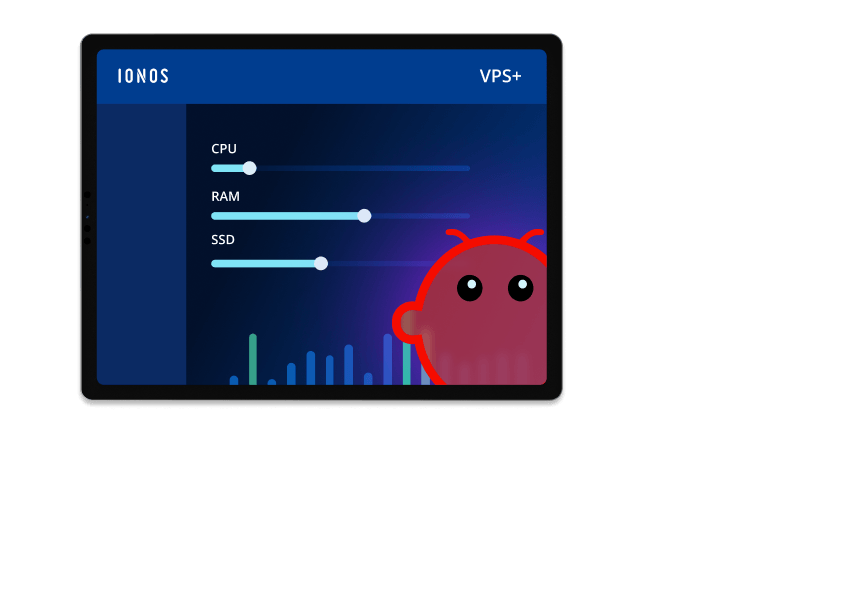
Yes, you can adapt your IONOS VPS+ to growing requirements at any time. If your AI agent takes on more complex tasks and requires more resources, you can upgrade to a more powerful VPS+ package (with more CPU, RAM, and SSD storage) directly via the IONOS customer area.
Your OpenClaw instance is automatically protected by an additional password (HTTP Basic Auth) – this keeps the web interface secure from unauthorised access. Enter ‘admin’ as the username and your server’s root password as the password. This is the same password you use for the SSH connection to your VPS. If you’d like to disable the protection, you can do so at any time via SSH on your server. Further information is available in your server’s Server Panel.
 Root server
 SQL server hosting
 Game server hosting
 Webspace
 AI email writer
 Business hosting
 Free Plesk license
 Free Domain Name
 Free VPS
 Servers
 Free cloud server
 Managed Kubernetes
 .info domain
 Free server hosting
 Free SSL
 Free Website Hosting